
Math Apps for Tablets vs Phones: Which Setup Works
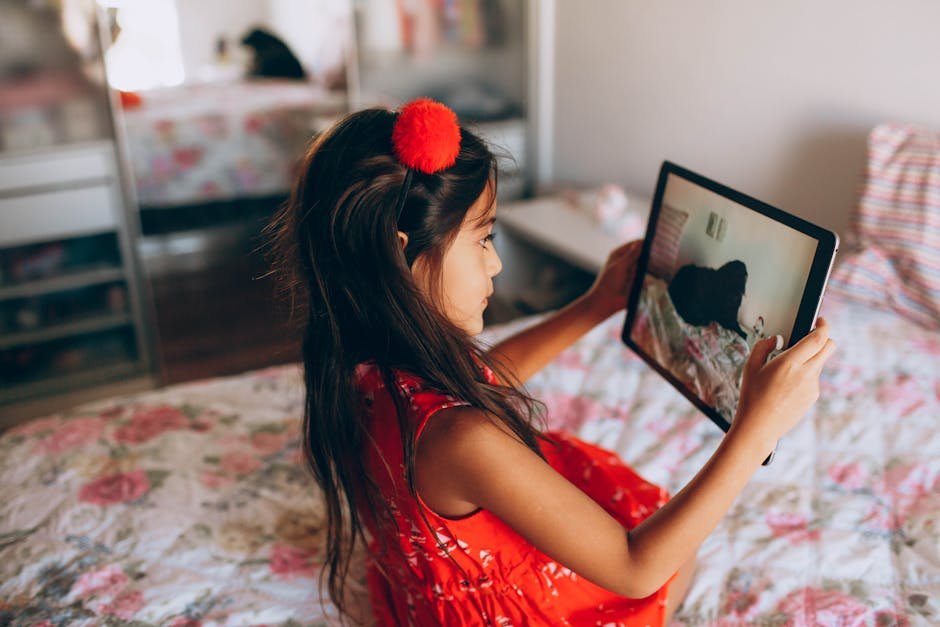
Many families have one tablet that everyone shares and a phone or two that are always within reach. When it is time for math practice, which one should a child use?
This short guide is for parents of elementary kids who want a quick, practical answer. We look at screen size and distractions first, then at what to set up before you hand a device over.
Screen Size and Small Hands
Is a phone screen too small for math practice?
For short sessions, usually not. A phone screen of five or six inches is big enough to read a fact such as 6 × 8 and tap an answer. Where phones fall short is anything that needs space, such as longer word problems or a whole times table on one screen.
Younger kids in 1st and 2nd grade also tap less precisely, so small buttons lead to wrong answers that have nothing to do with math. That can be frustrating for a child who knew the answer and still sees a red mark.
If your child uses a phone, keep the sessions to a few minutes and let them rest it on a table instead of holding it close to their face. A short round of ten facts fits a phone screen well.
Does a bigger tablet always help?
A tablet of eight to ten inches is more comfortable for longer practice, especially at a table with the device standing up. Word problems are easier to read, and a child can see more of the screen without scrolling.
Bigger is not automatically better, though. A large tablet is heavy for small hands, and a child holding it on their lap tends to slump and tire. If you use a tablet, a simple stand or a case that folds into one makes a real difference.
Distractions and Your Own Data
Is it safe to hand a child my phone?
The math part is rarely the problem. The rest of your phone is. Messages pop up, games are one swipe away, and your email and photos are on the same device. One stray tap away from the math page can take a child somewhere you would rather they did not go.
A shared family tablet with only a few apps on it avoids most of this. If the phone is the only option, turn on Do Not Disturb before you hand it over and stay nearby for the first few sessions.
Notifications are the quieter problem. Even with the right page open, a banner with a message breaks a child's focus in the middle of a fact. On a shared tablet, turn notifications off for everything except what you really need.
How do I keep my child in one app?
On an iPhone or iPad, the setting is called Guided Access, under Settings and then Accessibility. Once it is on, you open the app or browser, triple-click the side or home button, and the device stays in that one screen until someone enters your passcode. You can also set a time limit, so the session ends on its own.
Many Android phones and tablets have a similar feature, often called app pinning or screen pinning; where it sits in Settings depends on the brand. Either way, test it once yourself before your child uses it, so you know how to get out again.
Where Times Tables Trainer Fits
Do I need to download anything?
No. Times Tables Trainer is a website, not an app, so it works in the browser on a phone, a tablet, or a laptop. Open the homepage, pick a table, and your child can start right away. It is free and a child needs no email address to practice.
Most questions are a single short fact, which works well on a phone. The word problems at the third star of each table have more to read, and those are more comfortable on a tablet.
Will the stars carry over between devices?
Stars earned without a login live in the browser cookies of that one device, so stars from the tablet will not show up on your phone. With a class login from school or a family account, the stars are saved with the login instead of in one browser.
If your child uses more than one device, a family account keeps everything in one place. More on practicing without an account is in practicing times tables online.
So which one should we use?
Use the tablet for regular practice at home, at a table, for five to ten minutes. Keep the phone for a quick round in the car or in a waiting room. The device matters less than the habit: a few minutes most days does more for the times tables than any screen size.